

ShowMe WorldCare End User Manual
Submitting a Condition Record
When all other tabs have been completed, the user should return to the Administrative tab and complete any additional information that may have been obtained while working on the case. Once all information has been entered, click Submit at the bottom of the Administrative tab.

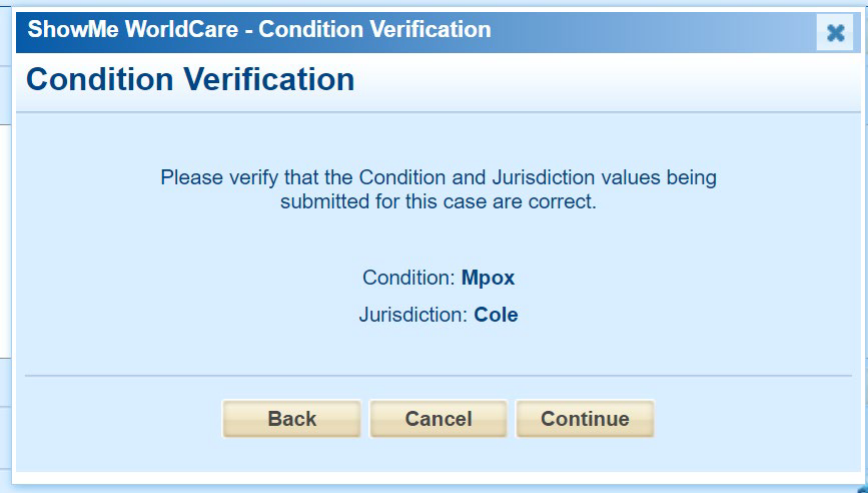
A Condition Verification pop-up will appear. The user should verify that the condition and jurisdiction for the record are correct. If not, Cancel out of the pop-up box and correct the record before choosing Submit again. Then click Continue.
Submitting the record performs validations across all tabs of the condition record. It does NOT lock the record.